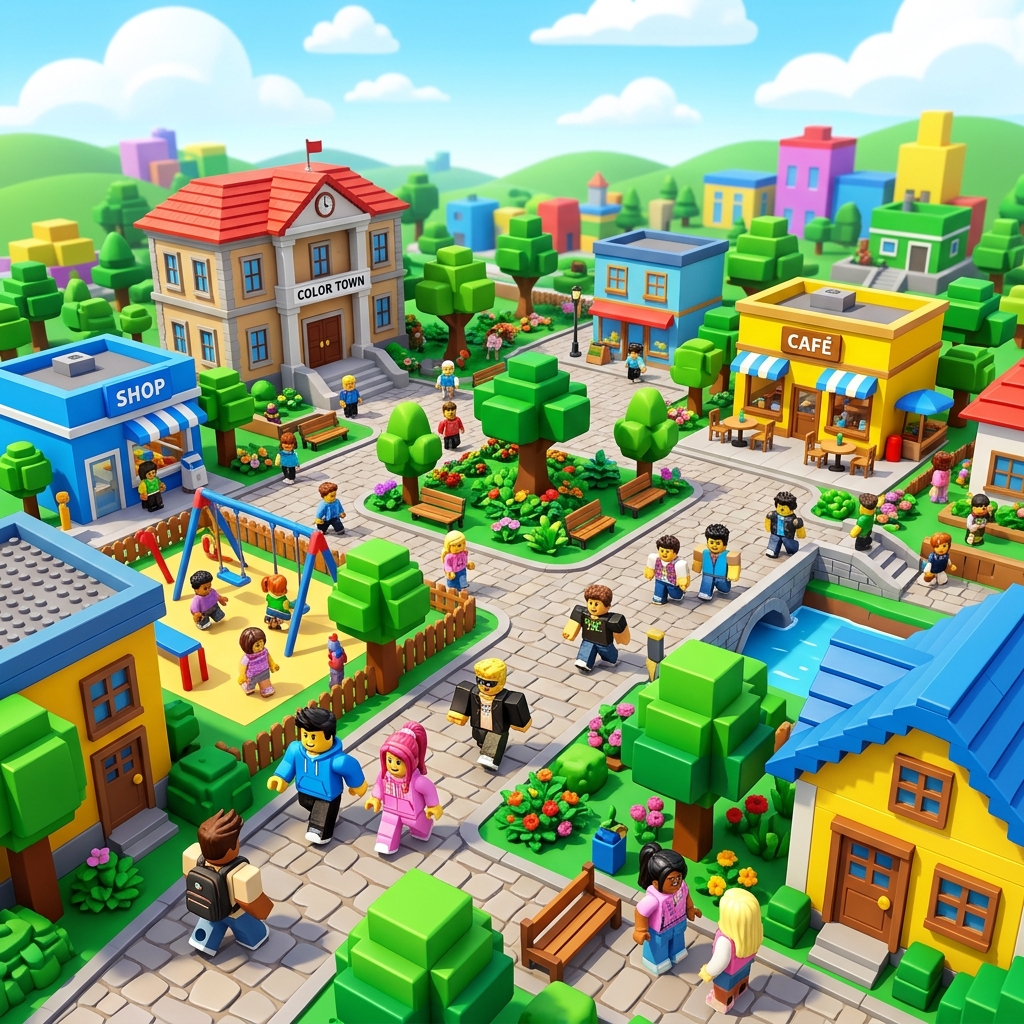
Roblox is less like one game and more like a giant platform filled with different games, social spaces, creative tools, and communities. That variety is the reason so many players stay for years, but it is also the reason beginners often feel lost. One friend says to start with obbies. Another says to grind a simulator. A creator video tells you to open Studio immediately. None of that is wrong, but it is incomplete. A good start is not about finding the “best” game on your first click. It is about building enough context that every next choice gets easier.
If you treat your first week on Roblox as an experiment, you will learn faster and enjoy the platform more. That means trying multiple genres, watching how good interfaces teach you, noticing what kinds of progression loops you actually like, and setting limits around spending and friend requests. By the time you finish this guide, you should know how to move through Roblox with more confidence and less noise.
1. Set up your account correctly before you chase games
The fastest way to create problems later is to rush account setup. Use a secure password, attach a valid email if available, and review the platform's settings instead of accepting defaults without thinking. Security and recovery matter because Roblox accounts often collect progress, friend lists, purchases, and creator history over time. Losing access is more frustrating than most new players expect.
After your account is created, go through privacy, security, and notification settings before you spend twenty minutes hunting for games. Look at who can message you, who can invite you to private servers, and whether account recovery is ready. If you are playing on a shared family device, make sure you understand how logins are saved. These are boring steps compared with jumping into a world, but they prevent the kind of friction that makes a casual first week feel messy.
2. Learn your controls and device differences early
Roblox plays differently depending on device. On PC, movement precision, camera control, and menu navigation often feel more flexible. On mobile, some games are excellent, but interface density can get in the way. Console can be comfortable for social or action experiences, yet some titles clearly favor mouse and keyboard workflows. A beginner mistake is assuming a frustrating game is bad when the real issue is that the device and the game are a poor match.
Spend your first few sessions paying attention to camera movement, jumping timing, inventory access, and how fast menus open on your device. If a game feels clumsy, do not immediately blame yourself. Some experiences are optimized for different control methods. Recognizing this will save you from quitting games that might be much more enjoyable on another platform.
It also helps to learn the universal basics: moving the camera smoothly, reading objective markers, opening settings quickly, muting distracting audio when needed, and understanding how respawn systems work. Those skills transfer across genres. Once they become automatic, you will have more attention available for strategy and exploration.
3. Understand the major Roblox genres before choosing favorites
New players often bounce because they think Roblox is only one kind of experience. In reality, the platform is a mix of obstacle courses, roleplay spaces, tycoons, combat arenas, survival games, social hubs, horror experiences, simulators, and builder-driven worlds. If your first two games are not for you, that does not mean Roblox is not for you. It usually means you have not found the right genre yet.
Obbies are good for basic movement and patience. Social spaces teach interface comfort and player behavior. Tycoons and simulators show how progression loops work, though they can also teach bad habits if you rely only on repetitive grinding. Combat experiences build awareness, positioning, and reaction speed. Building-focused or sandbox games show how creative systems work and can later make Roblox Studio feel less intimidating.
A strong first-week plan is to try at least one game from four categories. Keep short notes in your head or on your phone: Was the interface readable? Did the progress feel earned? Were the players helpful, quiet, or chaotic? Did you want to keep playing after twenty minutes? This simple comparison process is far more useful than copying someone else’s “must play” list without context.
4. How to find better games without getting trapped by hype
Popularity can be helpful, but it is not a perfect filter. Games with huge player counts may be excellent, aggressively monetized, heavily social, or simply familiar because they have been visible for a long time. Beginners do better when they scan for a few additional signals: recent updates, readable descriptions, current screenshots, sensible onboarding, and reviews from players who explain why they enjoy the experience.
When you open a new game, pay attention to the first three minutes. Are the objectives clear? Do the menus fight you? Does the game throw too many currencies at you immediately? Does it explain what success looks like? Good beginner-friendly games usually teach you by doing. They give you one clear first goal, introduce systems gradually, and make failure understandable instead of random.
If you want a structured place to start, pair this guide with our Top 25 Roblox Games to Play in 2026. That page groups games by category so you can match experiences to your mood instead of picking blindly from whatever is trending at the moment.
5. Learn the difference between playing for fun and spending for convenience
Roblox uses systems that can be confusing to new users, especially when games layer their own currencies and passes on top of broader platform spending. The important beginner mindset is this: spend only after you understand what the game loop already provides at no cost. Many new players buy boosts or passes before they know whether they even enjoy the core activity. That turns curiosity into buyer’s regret.
Before spending, ask three questions. First, does this purchase remove friction that is genuinely annoying, or does it just skip the entire game? Second, will I still enjoy the game next week? Third, do I understand what is permanent versus temporary? If the answer to any of those is unclear, wait. Waiting one or two sessions is often enough to reveal whether something is worth it.
Smart spending also means recognizing when a game is designed to pressure you. If menus constantly push upgrades in the first few minutes, or if normal progress feels intentionally weak until you pay, that is a signal to be more cautious. The healthiest beginner habit is to treat purchases as optional quality-of-life improvements, not as the main route to having fun.
6. Stay safe and social without oversharing
Roblox can be a great social platform, but new players should build boundaries early. Accepting every friend request or joining every invite is rarely a good idea. Start by playing publicly, noticing how people communicate, and deciding what kind of interaction actually improves your experience. A smaller list of real connections is better than a huge list of random names you do not recognize.
Be careful with external links, off-platform invites, and requests for personal information. Legitimate communities do not need your private details to let you enjoy a game. If something feels rushed, strange, or manipulative, leave the interaction. Using built-in safety tools is not overreacting. It is normal platform hygiene.
This matters even more if you plan to join groups, private servers, or competitive teams later. The strongest social experiences on Roblox usually come from repeated positive interactions, not instant trust. Let people prove they are consistent, respectful, and actually fun to play with before you invest much attention.
7. Build progression habits that keep the game fun
A lot of beginner frustration comes from trying to optimize too early. You do not need a perfect grinding route on day one. You need enough structure to enjoy learning. One of the easiest systems to use is the session goal method. Before you start, decide on one goal for the session: learn a map, test a new genre, finish a beginner questline, or compare two game types. When the session ends, ask whether you achieved that goal. This keeps you from drifting through menus for an hour without getting anything from it.
It also helps to rotate between game moods. If you play only repetitive grinders, Roblox may start to feel like homework. If you alternate between social spaces, action games, relaxed builders, and challenge-based experiences, the platform stays fresher. Variety is one of Roblox’s greatest strengths. Use it instead of forcing yourself into one loop just because it is popular.
8. You do not need Roblox Studio immediately, but curiosity helps
Some beginners assume Studio is only for serious creators. Others jump into it so early that they get overwhelmed and quit. The better approach is to stay curious without forcing yourself into advanced tools before you are ready. Pay attention while you play. What makes a lobby easy to read? Why does one map feel exciting while another feels empty? Why does one game tutorial make sense while another is confusing? Those observations are the early foundations of creator thinking.
If you enjoy that side of Roblox, our Master Builder: Advanced Roblox Studio Tips guide is a good next step once the basic player experience feels comfortable. You do not need to become a builder to appreciate how games are made, but understanding design choices makes you a better player and reviewer of games.
9. Use the broader community carefully
The Roblox ecosystem extends well beyond the game launcher. There are official platform pages, help articles, creator resources, community videos, and fan discussions. These can be useful, especially when you need technical help or want to understand platform policies. The safest places to start are official Roblox sources such as Roblox and the Roblox Creator Hub.
Community videos and posts can still help, but beginners should filter for clarity and specificity. Favor creators who explain tradeoffs, show real examples, and admit when their advice is genre-specific. Be skeptical of sweeping claims like “best settings for every game” or “fastest way to dominate anything.” Roblox is too varied for that kind of simplification to hold up.
10. Common beginner mistakes to avoid
One common mistake is confusing activity with progress. Clicking through busy menus, opening a dozen games, and joining random lobbies feels productive, but it often leads nowhere. Another mistake is spending too early. Another is assuming every popular game deserves equal attention. Another is copying advanced players without understanding the systems underneath their choices.
A quieter but important mistake is ignoring your own taste. Roblox rewards self-awareness. If you like exploration, lean into exploration. If you like structured improvement, find games with clear feedback loops. If you enjoy building spaces more than competing, follow that instinct. The point is not to become the same kind of player everyone else is. The point is to discover the corner of Roblox that keeps your interest and then expand from there.
11. A practical first-week plan
On day one, create your account carefully, review privacy settings, and test movement in one simple obby or social world. On day two, play two different genres for twenty to thirty minutes each and compare how they feel. On day three, return to the one you liked most and learn its basic systems instead of hopping immediately. On day four, try something more challenging or skill-based. On day five, read a guide before you play and see whether your decisions improve. On day six, test a creative or builder-focused experience. On day seven, review what you actually enjoyed and build a short personal rotation.
This schedule works because it balances exploration with repetition. You need both. Exploration helps you find good experiences. Repetition helps you understand them. Too much of one without the other leads to either boredom or confusion.
12. Where to go after you stop being a beginner
Once you know your preferred genres and basic habits, your next step should match your interests. If you want stronger game recommendations, move to our Top 25 Roblox Games to Play in 2026. If you are curious about how great spaces are built, read Master Builder: Advanced Roblox Studio Tips. If your favorite sessions involve team coordination, positioning, and improvement routines, continue into How to Go Pro: Competitive Roblox Guide.
Roblox becomes much more rewarding when you stop approaching it like a random feed and start approaching it like a platform with lanes. Learn your lane first. Then branch out. That is the difference between feeling lost and feeling at home.